Best Computer Shop in Dar es Salaam 2026: Laptops, Desktops & Accessories Buying Guide
Looking for laptops, desktops or computer accessories in Dar es Salaam? This 2026 guide helps students, businesses and home users choose wisely, avoid bad deals and shop smarter at Mchongotz Eshop.
Buying a computer in Dar es Salaam should not feel like gambling. You should not buy a laptop just because someone shouted “Core i7 kali sana!” while hiding the processor generation, RAM, storage type, battery condition, ports, warranty or whether the laptop actually fits your work.
This guide is for students, business owners, office workers, programmers, designers, gamers, schools, shops and home users who are searching for laptop price in Tanzania, computer accessories in Dar es Salaam, refurbished laptops, used laptops, desktop computers, printers, UPS, mouse, keyboard, chargers, SSD, external hard drives, HDMI cables, USB-C hubs, LAN cables and other computer accessories.
At Mchongotz Computers Eshop, our goal is simple: help you buy the right device for your real work, real budget and real future use — not just the device with the loudest marketing.
Why choosing the right computer shop in Dar es Salaam matters
A good computer shop does not only sell you a box. It helps you understand what you are buying. The best computer shop should explain the processor, RAM, SSD, HDD, battery, ports, warranty, condition and whether the device fits your use.
For example, a student laptop is not always the same as a business laptop. A laptop for Zoom, Microsoft Word, PDF reading and online classes does not need the same power as a laptop for programming, engineering software, graphics, video editing or gaming. If a seller gives everyone the same answer, be careful. That is not advice; that is just pushing stock.
Best laptop for students in Tanzania
If you are a student in Dar es Salaam, the best laptop depends on your course, budget and daily use. Not every student needs Core i5. For non-computing courses such as law, business, education, arts, social sciences, accounting basics, public administration and general office work, even an Intel Celeron laptop from around TZS 300,000 can be enough if it has good battery, working keyboard, clean screen and reliable storage.
But here is the truth: if you are taking a computing-related course such as computer science, IT, software development, engineering, architecture, graphics, data analysis or video editing, do not buy a weak Celeron laptop unless your budget is extremely tight. You will suffer when running coding tools, design software, browsers with many tabs, virtual machines or heavy applications.
For students, use this simple guide:
- Basic non-computing courses: Intel Celeron, 4GB RAM and 64GB/128GB storage can work for typing, browsing, PDFs, assignments and online classes.
- Better student option: Core i3 or Core i5, 8GB RAM and SSD storage for smoother performance.
- Computing, design or technical courses: Core i5 or Ryzen 5, 8GB–16GB RAM and 256GB SSD or higher.
- Best long-term student choice: Core i5, 8GB RAM, 256GB SSD and a clean battery.
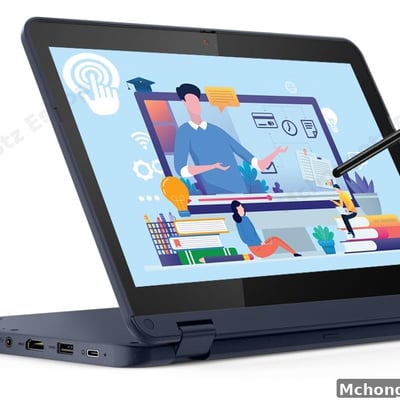
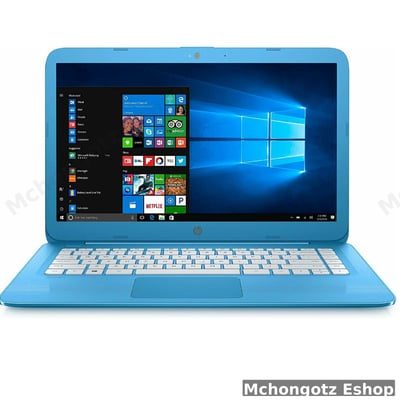
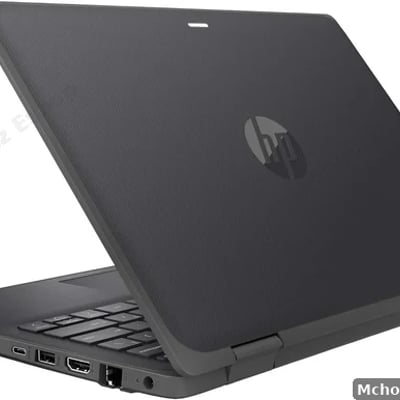
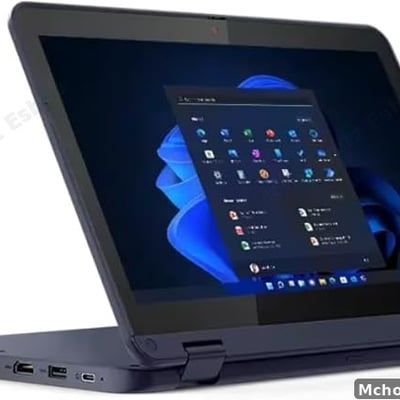
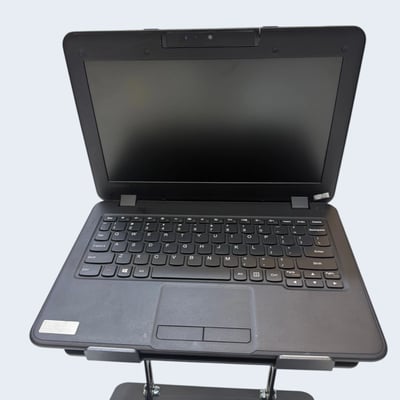
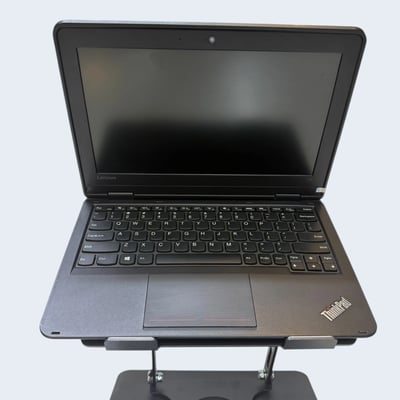
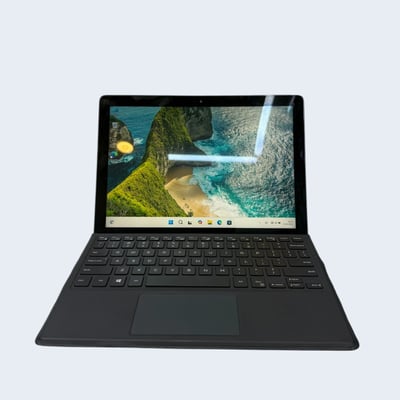
Good student choices include HP Stream, Lenovo 100e, Lenovo 300e, Lenovo 500w, HP ProBook, HP EliteBook, Dell Latitude, Lenovo ThinkPad and Dell Latitude x360 depending on budget and course requirements.
Best laptop for office and business use
For office work, business, accounting, emails, reports, Zoom meetings, school administration and POS systems, do not overpay for gaming specs you will never use. Focus on stability, speed and reliability.
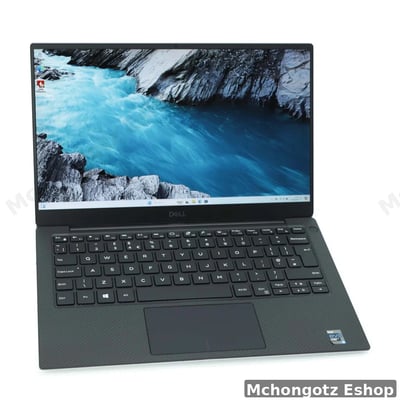
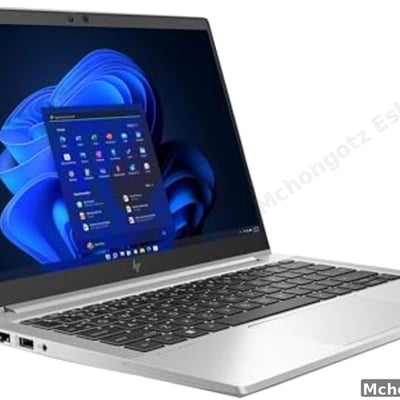
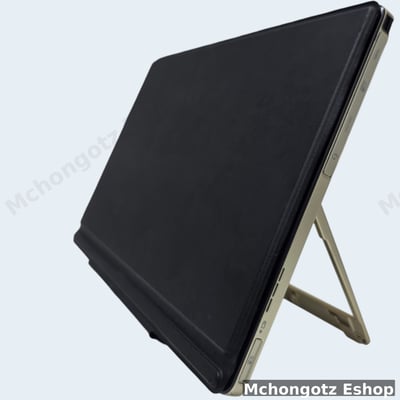
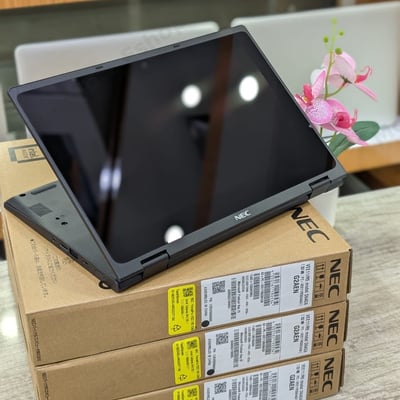
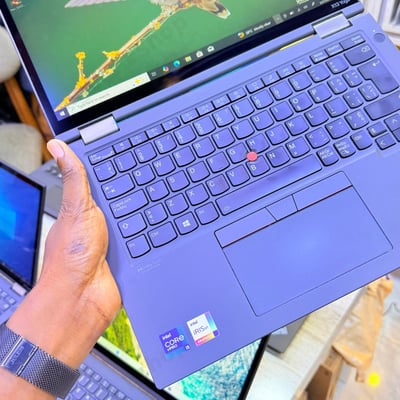
A strong office laptop should have Core i5 or Ryzen 5, 8GB RAM or 16GB RAM, 256GB SSD or 512GB SSD, good keyboard, clear webcam and reliable battery. For managers and executives, lightweight premium models like Dell XPS, HP EliteBook, HP ProBook, Lenovo ThinkPad and touchscreen x360 laptops are smarter choices.
Best laptop for programmers, designers and technical users
If you are a programmer, designer, engineer, data analyst or video editor, do not buy only by price. Cheap specs will punish you every day. Your laptop should handle many browser tabs, software tools, large files and multitasking without freezing.
For technical users, target at least Core i5 or Ryzen 5, 16GB RAM if possible, 512GB SSD and a strong screen. For graphics, video editing, architecture and heavy design work, a laptop or workstation with dedicated graphics is better.
Refurbished laptop vs used laptop vs brand new laptop
This is where many buyers get confused. A brand new laptop is unused and usually comes with full manufacturer warranty. A refurbished laptop has been professionally checked, cleaned and prepared for resale. A used laptop may simply be second-hand without proper testing.
The truth is this: a clean refurbished business laptop can be better than a weak brand-new laptop with poor specs. A cheap new laptop with 4GB RAM and slow storage may frustrate you more than a refurbished Core i5 SSD laptop.
But do not buy blindly. Always check:
- Processor model and generation
- RAM size
- SSD or HDD storage
- Battery performance
- Keyboard and touchpad condition
- Screen condition
- Charger quality
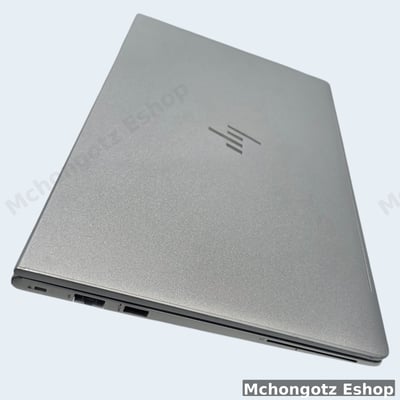
- Ports such as HDMI, USB-C, USB-A, LAN and audio jack
- Warranty and return terms
Desktop computers in Tanzania: when should you choose a desktop?
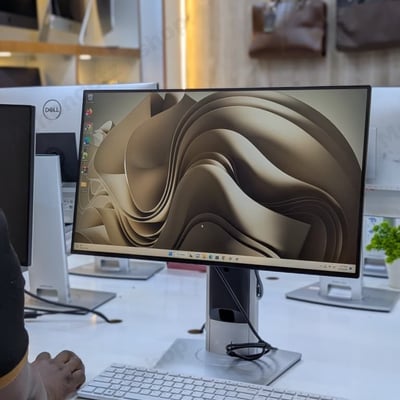
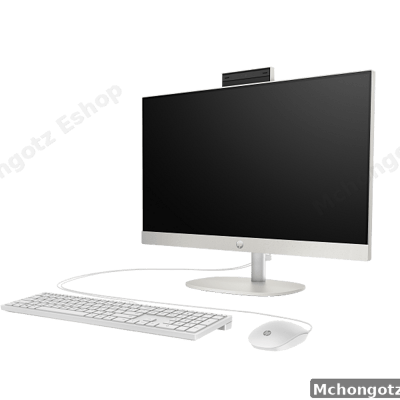
A desktop computer is the better choice when you want more power, easier upgrades, bigger screen comfort and long working hours. Offices, schools, shops, designers and printing businesses often benefit from desktops and all-in-one computers.
If you work from one fixed location, a desktop can give better value than a laptop. For example, a Dell OptiPlex, HP desktop, HP ProOne, all-in-one PC or workstation can be ideal for office tasks, design work, admin use, school labs and business systems.
Computer accessories every serious user should have
A laptop alone is not a complete setup. The right accessories make your work faster, safer and more comfortable. If your accessories are poor, your whole computer experience becomes poor.
1. Laptop charger and power cable
Never joke with power. A poor charger can damage your laptop. Choose the correct wattage and pin type: HP blue pin, HP Type-C, Dell big pin, Dell small pin, Lenovo slim tip, Lenovo Type-C, MacBook MagSafe or MacBook Type-C.
2. Wireless mouse and keyboard
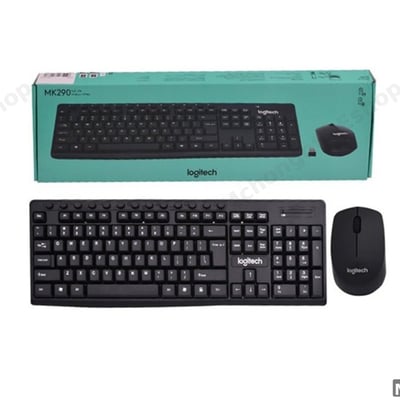
A good mouse and keyboard improve speed and comfort, especially for office work, data entry, design and study. Logitech, HP, Dell and quality wireless combos are popular choices for home, office and business users.
3. SSD and external hard drive
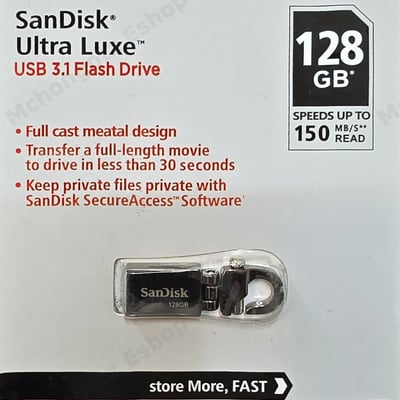
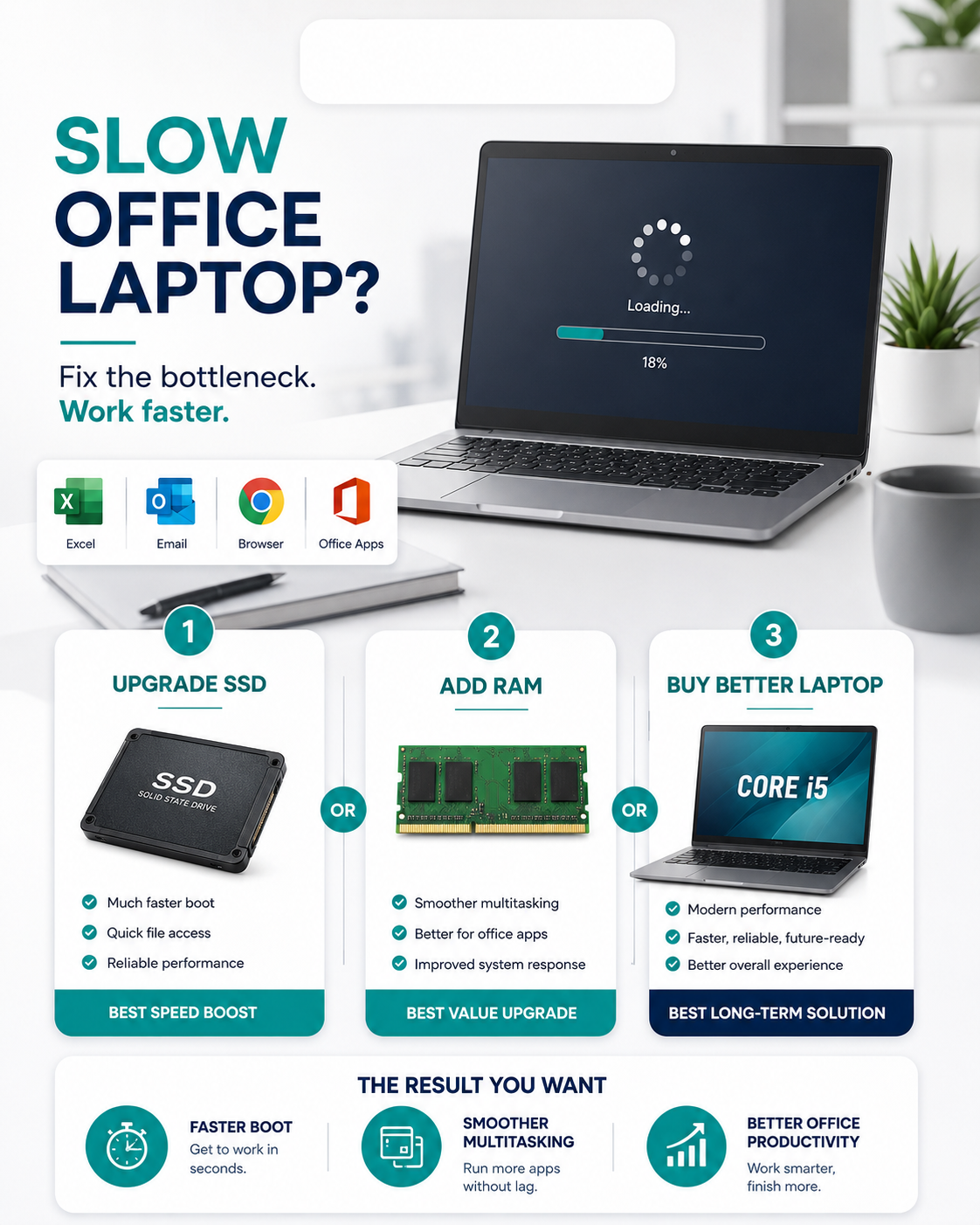
If your computer is slow, an SSD upgrade is often the “ahaaaa!” moment. Many people think they need a new laptop, but sometimes they only need SSD storage and more RAM. For backups, use external hard drives from trusted brands such as WD, Toshiba, Transcend and SanDisk.
4. HDMI, VGA, DisplayPort and Type-C adapters
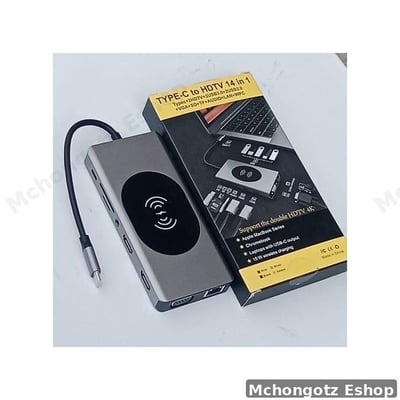
Presentations, projectors, monitors and TVs need the right cable. If your laptop has Type-C only, you may need a USB-C hub, Type-C to HDMI, Type-C to VGA or multiport adapter.
5. LAN cable and networking accessories
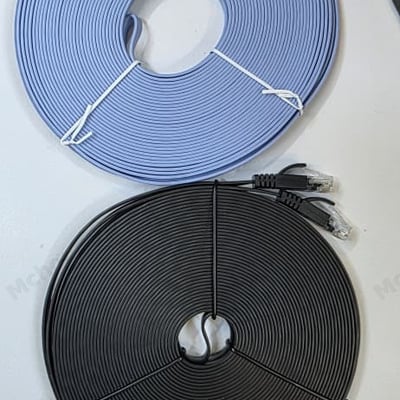
For stable internet in offices, shops, schools and gaming setups, Ethernet cables, CAT6 LAN cables, USB to Ethernet adapters, routers, switches and WiFi extenders are important.
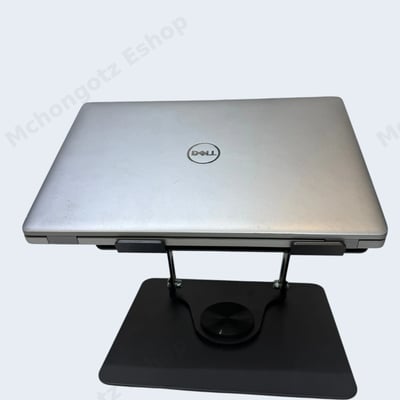
6. Laptop bag, stand and cooling support
A laptop sleeve, backpack or stand protects your device and improves comfort. Do not carry a laptop like an exercise book. Hiyo ni laptop, si madaftari ya tuition.
Computer accessories price in Dar es Salaam: what affects the price?
Computer accessories prices in Dar es Salaam depend on brand, quality, speed, capacity, compatibility and durability. A 128GB flash disk is not the same as a 1TB external SSD. A normal HDMI cable is not the same as a 4K or 8K HDMI cable. A basic mouse is not the same as an ergonomic business mouse.
Before buying, ask yourself:
- Is it original or generic?
- Does it support my device?
- Is the speed enough?
- Does it come with warranty?
- Is the seller reachable after purchase?
- Will it solve my problem or just look nice?
Best computer shop near me in Dar es Salaam
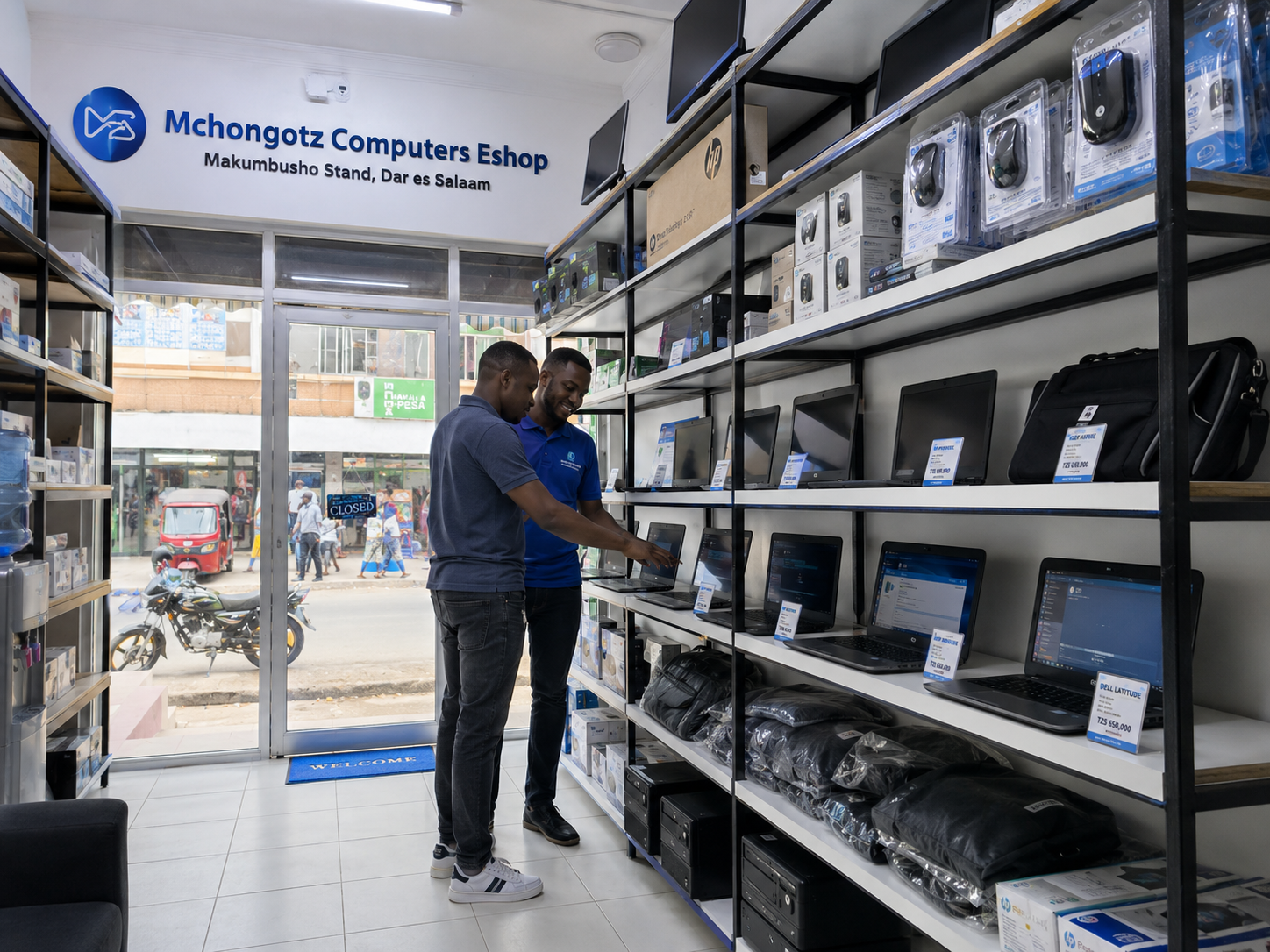
If you are in Kinondoni, Makumbusho, Sinza, Mwenge, Mikocheni, Kijitonyama, Ubungo, Mbezi, Kimara, Tegeta, Kawe, Kariakoo, Ilala, Posta, Temeke, Kigamboni or anywhere in Dar es Salaam, you can shop computers and accessories from Mchongotz Computers Eshop.
We serve customers looking for laptops, desktops, printers, projectors, UPS, networking tools, storage devices, computer cables, chargers, mouse, keyboard, adapters, bags and office technology products.
How to avoid buying the wrong laptop
Here is the brutal checklist. If the seller cannot answer these questions, do not rush to pay:
- Which processor generation is it?
- Is the storage SSD or HDD?
- How much RAM does it have?
- Can RAM or SSD be upgraded?
- What is the real battery performance?
- Does it have HDMI, USB-C, LAN or card reader?
- Is it brand new, used or refurbished?
- What warranty is included?
- Can I get after-sales support?
Recommended computer setups by user type
| User | Recommended setup | Why it works |
|---|---|---|
| Student - non-computing course | Intel Celeron from around TZS 300,000, 4GB RAM, 64GB/128GB storage | Affordable for typing, PDFs, browsing, assignments and online classes |
| Student - computing or technical course | Core i5/Ryzen 5, 8GB–16GB RAM, 256GB SSD or higher | Better for coding, design tools, engineering software and multitasking |
| Office worker | Core i5/i7, 8GB–16GB RAM, 256GB–512GB SSD | Good for reports, emails, meetings and multitasking |
| Business owner | Desktop or laptop plus printer, UPS and backup storage | Reliable setup for daily operations |
| Designer | Core i7/Ryzen 7, 16GB RAM, SSD, dedicated graphics if needed | Better for Adobe, graphics and creative workloads |
| Programmer | Core i5/i7, 16GB RAM, 512GB SSD, good keyboard | Handles coding tools, browsers and databases better |
| Shop or restaurant | Desktop/laptop, receipt printer, barcode tools, UPS | Good for POS and sales operations |
Why buy from Mchongotz Computers Eshop?
Mchongotz Computers Eshop is built for people who want honest guidance, not confusion. We help you compare options based on your budget, work, school, business and future upgrades.
- Laptops, desktops and computer accessories in Dar es Salaam
- Student-friendly and business-friendly options
- Budget laptops from basic student options to powerful business machines
- Clear product specifications
- Computer accessories for home, office, school and business use
- Online shopping through https://mchongotz.co.tz/
- Convenient location at Makumbusho Stand, Dar es Salaam
Final advice before you buy
Do not buy a laptop because it looks shiny. Buy because it fits your use. Do not buy accessories because they are cheap. Buy because they are compatible and reliable. Cheap can become expensive when it wastes your time, damages your work or forces you to buy twice.
If you are searching for laptop price Tanzania, computer accessories Dar es Salaam, computer shop near me, refurbished laptops Dar es Salaam, desktop computers Tanzania, student laptop Dar es Salaam or laptop accessories Dar es Salaam, visit Mchongotz Computers Eshop at Makumbusho Stand or shop online at https://mchongotz.co.tz/.
Need help choosing? Tell us your budget, course or work type, and what you want to do with the computer. We will help you choose like a serious buyer, not a confused victim of specs.
Ready to buy?
Browse laptops, desktops & accessories — great prices, warranty, Dar es Salaam.
Shop related products from this guide
Categories